

Why did the wine label scanner fail to recognise the label?
A wine label scanner usually fails because the photograph does not provide stable identifying text or because the wine has no usable record in the scanner’s catalogue. Glare, curved-glass distortion, decorative lettering, incomplete framing, and misplaced focus are image problems, while an absent or incomplete catalogue record cannot be corrected through camera technique. The most useful diagnosis is to decide whether the photograph is unreadable or the proposed catalogue match is unavailable.
Photograph the complete label rather than isolating the largest brand mark. The producer name, wine name, place name, grape name, and alcoholic strength may each help distinguish the bottle from similar results. The European Union’s Commission Delegated Regulation (EU) 2019/33 makes alcoholic strength one of the few fields every EU label must carry and permits a 0.5% vol tolerance, which makes alcoholic strength a useful anchor when the producer name is unreadable. The fields commonly found on a bottle are explained in the guide to reading a wine label.
A failed wine label scan does not establish that the wine label scanner is faulty. A visually clear label may still resist recognition when a producer uses a script face, when the prominent wording identifies only a region, or when the wine is missing from the catalogue. A familiar bottle may also fail because reflected light hides part of a word, curved glass alters letters near the label edges, or the camera focuses on the glass instead of the printed surface.
Inspect the captured photograph at full size before submitting another image. Check whether the producer name, wine name, origin wording, and smaller supporting text can be read without guessing. A photograph that looks attractive in a camera preview may still lack the contrast or letter shape required for OCR. Treat every photograph as evidence to inspect rather than as a verdict about the wine.
| Visible symptom | Likely problem | Recommended response |
|---|---|---|
| Letters near the label edges look stretched or compressed | The camera is too close to the curved bottle surface. | Move the camera farther away, centre the label, and crop the captured photograph if necessary. |
| A bright patch covers lettering | Light is reflecting from glass, foil, metallic ink, or varnish. | Move the bottle, camera, or light direction until the reflection leaves the printed text. |
| The front label is readable but no credible result appears | The catalogue may lack a reliable record or enough searchable wording. | Photograph the back label and search its producer details, origin wording, or QR code destination. |
| The wine label scanner extracts unrelated words | Decorative type or surrounding objects are competing with identifying text. | Frame the label without shelf tags and use plain-print producer or place wording for a manual search. |
| The centre is sharp but smaller wording is blurred | The camera has focused on a logo, reflection, or glass surface rather than the full printed label. | Refocus on plain printed text and check the captured image before submitting it. |
Repeatedly submitting nearly identical photographs rarely clarifies the cause of failure. Change the setup materially by adjusting distance, bottle angle, light direction, or the label being photographed, and then inspect whether the important words have become legible. A changed setup helps separate an image problem from a catalogue problem without encouraging confidence in a weak match.
How far away should you hold the camera from a wine label?
Hold the camera far enough away for the complete label to remain near the centre of the frame without visible distortion at the edges. A wider photograph is usually more useful than a close photograph that bends lettering around the bottle curve. Crop the captured photograph afterwards if the wine label scanner accepts uploaded images or if the identification will be completed manually.
A wine bottle presents a curved surface rather than a flat document. At close range, the outer parts of the label turn away from the camera, so characters near the edges can appear compressed, stretched, or interrupted by reflection. Moving the camera farther away can preserve more natural letter shapes across the label and provide a clearer target for camera focus.
Keep the bottle upright and place the camera directly in front of the label. Position the producer name and wine name near the middle of the frame rather than near an edge, where lens perspective and bottle curvature may be more obvious. Avoid a steep view from above or below because an angled view can turn horizontal label lines into sloping lines and hide text near the upper or lower boundary.
Do not fill the frame merely because the printed label looks small. Preserve the full label boundary and some surrounding glass so the photograph shows whether the image is tilted, whether a reflection crosses the print, and whether a shelf tag or capsule marking has entered the scanning area. The surrounding context can also help a person assess bottle shape, label colour, and layout without relying on visual style as proof of identity.
Camera distance should be judged by readability rather than by how large the label looks on screen. The useful test is whether a person can read the producer name, wine name, origin wording, and smaller supporting text without inferring missing letters. A close photograph is not an improvement when the bottle curve has altered the characters that OCR needs to interpret.
If the bottle is awkward to hold, stabilise it against a safe shelf, table, or similar surface and move the camera instead of continually rotating the bottle. Bottle format can affect framing and the visible curve of the label; the wine bottle sizes explained guide provides context for recognising different bottle formats. Keep the label facing the camera while ensuring that the bottle cannot roll or fall.
Check the saved photograph rather than relying entirely on the live camera preview. A preview can conceal blur, clipped lettering, and reflected patches that become obvious when the image is enlarged. If the smaller wording cannot be read, move the camera farther away, centre the bottle more carefully, and refocus on the printed surface before capturing a replacement.
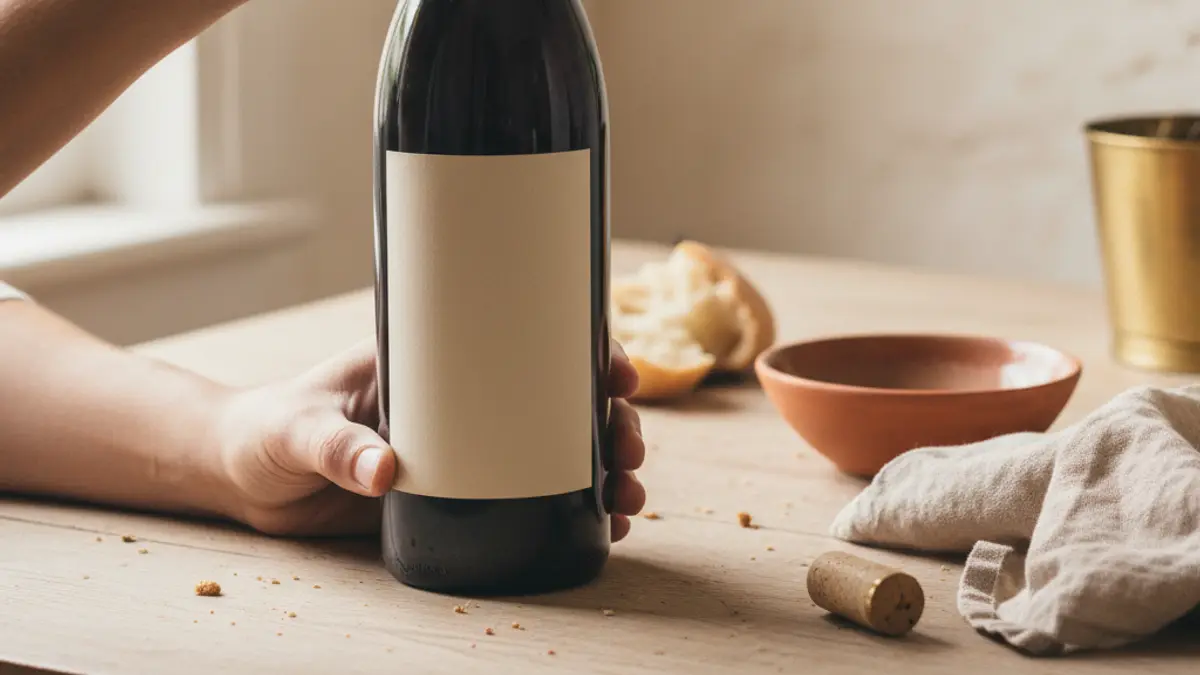
What lighting makes a wine label unreadable?
Direct reflected light makes a wine label unreadable when a bright patch covers the identifying text. Gold foil, metallic ink, glossy varnish, embossed details, and curved glass can return light toward the camera and conceal the producer name or wine name. Move the bottle, camera, or light direction until the reflection leaves the printed wording.
Even, indirect light is more useful for recognition than dramatic lighting with bright highlights and deep shadows. The aim is to preserve visible contrast between the printed characters and the label surface. A reflection that appears decorative to the eye can replace important letters with a bright or coloured patch in the captured photograph.
Inspect the label for glare before opening the wine label scanner. Look across the producer name, wine name, place name, and smaller regulatory wording. If a reflection crosses searchable text, change the angle until the highlight moves onto plain glass or away from the label. Recheck the saved image because a reflection can be more prominent in the photograph than it appeared while framing.
Flash is useful only when it improves visibility without reflecting directly into the camera. On a glossy label, metallic ink, or foil detail, flash can create a concentrated highlight in the area where the camera is aimed. Try indirect room light and a changed camera position before adding stronger direct light. Maximum brightness is not the goal; readable contrast is the goal.
Mixed shop lighting can produce reflections from different directions. Hold the camera steady, turn the bottle gently, and watch how the highlights move across the print. Capture the photograph when the identifying characters look matte and distinct. If the decorative front label remains reflective, use the back label, where identifying and regulatory wording may be easier to isolate.
The phrase contains sulphites is a useful landmark when orienting an EU back label. The European Commission states that EU wine must carry the phrase contains sulphites above 10 mg per litre, so finding that wording can help a photographer locate the regulatory text area and hold the back label upright. The phrase is an orientation aid rather than proof of the exact wine identity.
Low contrast and poor focus are different problems. A sharply focused photograph may still be unreadable when pale lettering sits on a reflective pale surface, while a less visually polished photograph may remain searchable if the characters have clear boundaries. Remove glare before judging sharpness, then confirm that the smallest useful words remain visible.
Shadows can be as disruptive as highlights when they divide a word or cover the lower part of a label. Reposition the bottle or use a broad indirect light source so the complete word remains visible. Avoid placing fingers over the label while shading glare, because a hand can conceal the same text that the wine label scanner needs.
Which wine label designs defeat recognition regardless of camera technique?
Some wine label designs defeat recognition because they do not provide stable, searchable text. Script faces can make individual characters ambiguous, region-only labels can leave the producer unclear, and wines absent from a catalogue cannot produce a dependable catalogue result. A clear photograph remains useful for manual research, but camera technique cannot create missing wording or a missing catalogue record.
Script faces are difficult for OCR because connected or highly stylised characters may not resemble ordinary printed forms. Decorative lettering can remain recognisable to a person familiar with the producer while providing little searchable text to software. Capture any smaller plain-print wording around the script, including producer details, origin wording, grape wording, importer information, or alcoholic strength.
The European Union’s Commission Delegated Regulation (EU) 2019/33 makes alcoholic strength one of the few fields every EU label must carry and permits a 0.5% vol tolerance. Alcoholic strength can therefore anchor a manual search when a producer name is difficult to read, although alcoholic strength alone does not uniquely identify a wine. Combine the field with readable place wording or another distinctive term from the label.
A region-only label creates an identification problem because a place name may correspond to many producers and wines. A label dominated by an appellation, vineyard, or poetic wine name can return several plausible matches without establishing which result is correct. Photograph every visible area that contains text and transcribe the clearest wording exactly rather than replacing uncertain letters with a guessed spelling.
Wine terminology can also make a searchable field difficult to recognise. A word that appears to be a producer name may instead describe an origin, vineyard, classification, grape, or style. The wine glossary defines common label terms and can help distinguish producer wording from a regional designation or production term.
Wines with limited distribution may present a catalogue limitation rather than an image limitation. Wine label scanners can use different catalogues, and a bottle may be documented in one source but absent from another. The guide to wine apps can help a reader compare available tools, but no wine label scanner can reliably return a catalogue record that its source does not contain.
Torn labels, retailer stickers, handwritten bin markings, staining, and surface wear can interrupt the character shapes expected by OCR. Photograph the unobscured fields instead of repeatedly asking the wine label scanner to interpret a damaged area. A partial producer address, importer name, or clear place term may be more useful than a damaged decorative title.
A visually similar catalogue result is not a substitute for readable agreement. Producers may use related artwork across a range, and unrelated bottles may share colours, crests, type styles, or label layouts. If the front label lacks a readable producer name and the back label provides no searchable information, record the visible evidence and leave the identification unresolved rather than accepting a match based on appearance.
Should you photograph the front label or the back label?
Photograph the front label when it clearly presents the producer name and wine name, and photograph the back label when the front is decorative, reflective, incomplete, or ambiguous. The back label can be more useful after a failed wine label scan because it may contain plain-print producer details, origin wording, importer information, allergen wording, and a QR code. Preserve front and back photographs when the identification matters because each label may contain different evidence.
The front label is intended to present the wine’s identity, but visual presentation can interfere with OCR. Large logos, script lettering, foil, embossing, and sparse wording may leave few dependable characters for a wine label scanner. A back label often arranges practical and regulatory text in a more regular format, which can support a manual search even when the front label remains visually distinctive.
For EU wine, the European Union’s Regulation (EU) 2021/2117 has required an ingredient list and a nutrition declaration since 8 December 2023. The European Union’s Regulation (EU) 2021/2117 provides for only the energy value to be printed on the label itself, with the remaining information reachable by QR code. A back label covered by that requirement can therefore carry more machine-readable information than the front label.
Photograph a QR code squarely, preserve its complete border, and keep glare away from the printed pattern. A QR code may lead to ingredient and nutrition information rather than to a conventional catalogue page, so opening the code does not automatically identify the exact bottle. Use the destination page to collect readable producer, wine, origin, or other identifying wording and compare that wording with the bottle.
The phrase contains sulphites can help orient an EU back-label photograph. The European Commission states that EU wine must carry the phrase contains sulphites above 10 mg per litre, which makes the wording a reliable landmark for finding the regulatory text area. The presence of the phrase helps with orientation but does not distinguish one wine from another.
Do not assume that every bottle carries a QR code. The European Union’s Regulation (EU) 2021/2117 has applied the ingredient-list and nutrition-declaration requirement since 8 December 2023, so label information can differ according to the rules applicable to the wine. The guide to wine rules that changed explains why bottles that appear comparable may carry different information.
Photograph the front and back labels as separate images rather than trying to capture the curved bottle sides in a single angled view. Separate images allow each label to face the camera directly and reduce distortion near the edges. If the neck or capsule contains readable producer wording, capture that area separately and treat it as supporting evidence rather than a replacement for the main labels.
A credible identification should reconcile information from the front label and back label where the wording is available. If the front suggests one producer while the back label names a different bottler or importer, preserve the exact wording and investigate the relationship rather than forcing an immediate match. Label roles can differ, so a name on the back label should be searched in context.
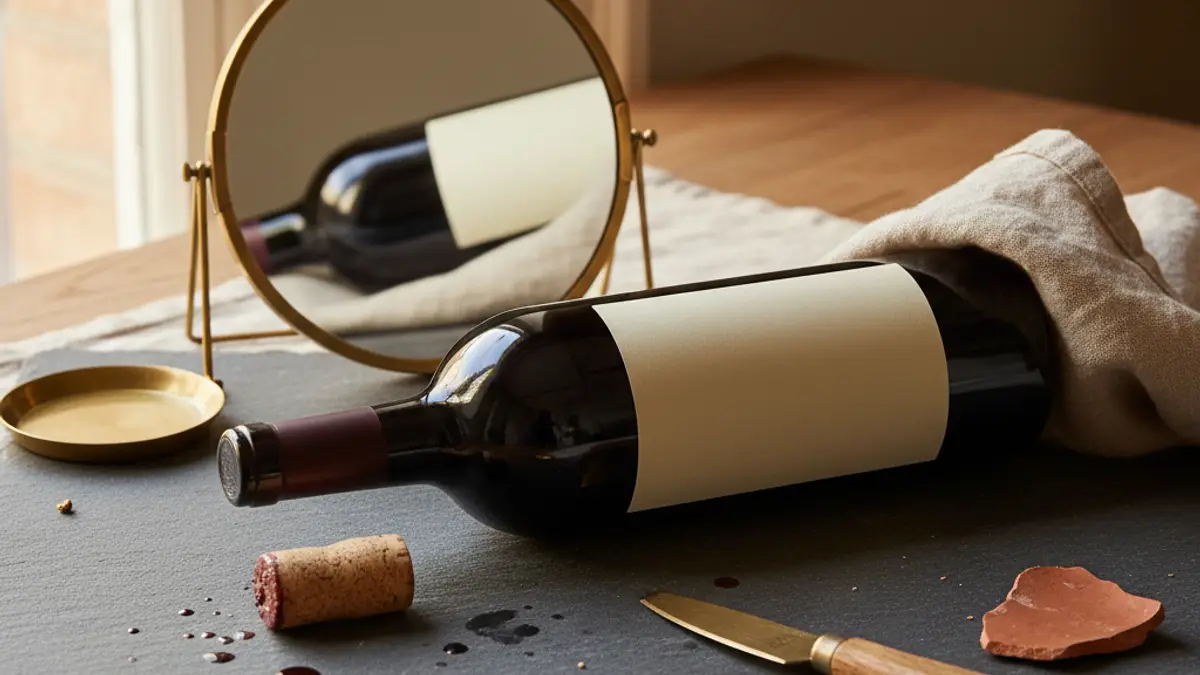
What should you do when a wine bottle will not scan?
When a wine bottle will not scan, stop treating the scanner result as a verdict and switch to structured manual identification. Photograph the front label, back label, neck wording, and any QR code; transcribe the clearest text; then search the producer name with the wine name, origin wording, importer information, or alcoholic strength. If no credible result appears, the wine may be absent from the catalogue or the label may not provide enough identifying evidence.
Preserve the available evidence before the bottle is opened, recycled, returned to a shelf, or moved away from useful lighting. Capture a straight, glare-free front image and a separate back image, then inspect the saved photographs for wording that the wine label scanner overlooked. Record unusual spelling, accents, punctuation, and line breaks where they are visible rather than silently correcting the label.
Search distinctive terms together instead of relying on a broad region name. A producer address, importer name, appellation, unusual wine name, or QR-code destination can narrow the search more effectively than decorative artwork. If a word is uncertain, compare the visible letter shapes against results without presenting the guessed spelling as established fact.
Use the bottle’s colour, capsule, shape, and artwork as supporting context rather than proof. Producers can use related visual themes across different wines, and unrelated producers can choose similar colours or layouts. A proposed result should agree with readable wording before visual resemblance is considered persuasive.
Compare every proposed match with all available label fields. A credible result should agree with the producer name, wine name, origin wording, and general label layout wherever those details can be read. Reject a result that agrees only with a partial word, bottle colour, crest, or decorative motif. Shared house styles can make related wines look similar while the printed wine names remain different.
Identification and wine condition are separate questions. A correct bottle identification does not show that the wine is in sound condition, and an unexpected aroma does not establish that the scanner selected the wrong bottle. The guide to wine faults and what they mean explains how condition problems can affect a wine after its identity has been established.
Some bottles should remain unidentified until a source confirms them. Script lettering, region-only labels without a producer name, damaged print, ambiguous bottler wording, and catalogue gaps are limits of the available evidence rather than failures of effort. Keep the photographs and transcription, and ask a retailer, restaurant, importer, or producer for confirmation where possible.
Describe an unresolved bottle cautiously. State the readable wording, visible origin terms, and source of the photograph without converting a likely match into a definite identification. The useful outcome is an identity supported by label evidence or a responsible statement that the evidence is insufficient.
Manual identification works best when each claim can be traced back to a visible field or a reliable external source. Keep the original photograph alongside cropped versions so later researchers can see the full label context. Cropping can improve readability, but the uncropped image preserves evidence about orientation, surrounding stickers, bottle format, and the location of each printed field.
Bottom line
A wine label scanner is a tool that uses a bottle photograph to suggest an identity from readable text, visual features, and catalogue records. To create a useful photograph, hold the camera straight in front of the bottle, keep the complete label visible, leave surrounding space for context, and use even, indirect light. Move the bottle, camera, or light direction until glare from gold foil, metallic ink, glossy varnish, curved glass, or shop lighting no longer covers the producer name and wine name.
Photograph the back label separately if the front label is decorative, reflective, ambiguous, or absent from the scanner’s catalogue. The European Union’s Regulation (EU) 2021/2117 has required an ingredient list and a nutrition declaration on EU wine since 8 December 2023, with only the energy value printed on the label itself and the remaining information reachable by QR code. A back label covered by that requirement can therefore offer more machine-readable information than the front label. The European Commission also states that EU wine must carry the phrase contains sulphites above 10 mg per litre, making the wording a useful landmark for orienting a back-label photograph.
If scanning still fails, search readable producer, wine, origin, importer, QR-code, or alcoholic-strength wording manually and compare every proposed match with the visible label evidence. The European Union’s Commission Delegated Regulation (EU) 2019/33 makes alcoholic strength one of the few fields every EU label must carry and permits a 0.5% vol tolerance, so alcoholic strength can help anchor a search when the producer name is unreadable. Script lettering, region-only labels without a producer name, damaged print, and wines absent from catalogues are genuine limits, and an unsupported visual match should remain unresolved.
Primary sources
Every figure on this page comes from the body named in the sentence that states it. Here is where to check each one: